BECAUSE
OF UCONN
The world moves forward
Because of UConn,
and all we do is possible
Because of YOU.
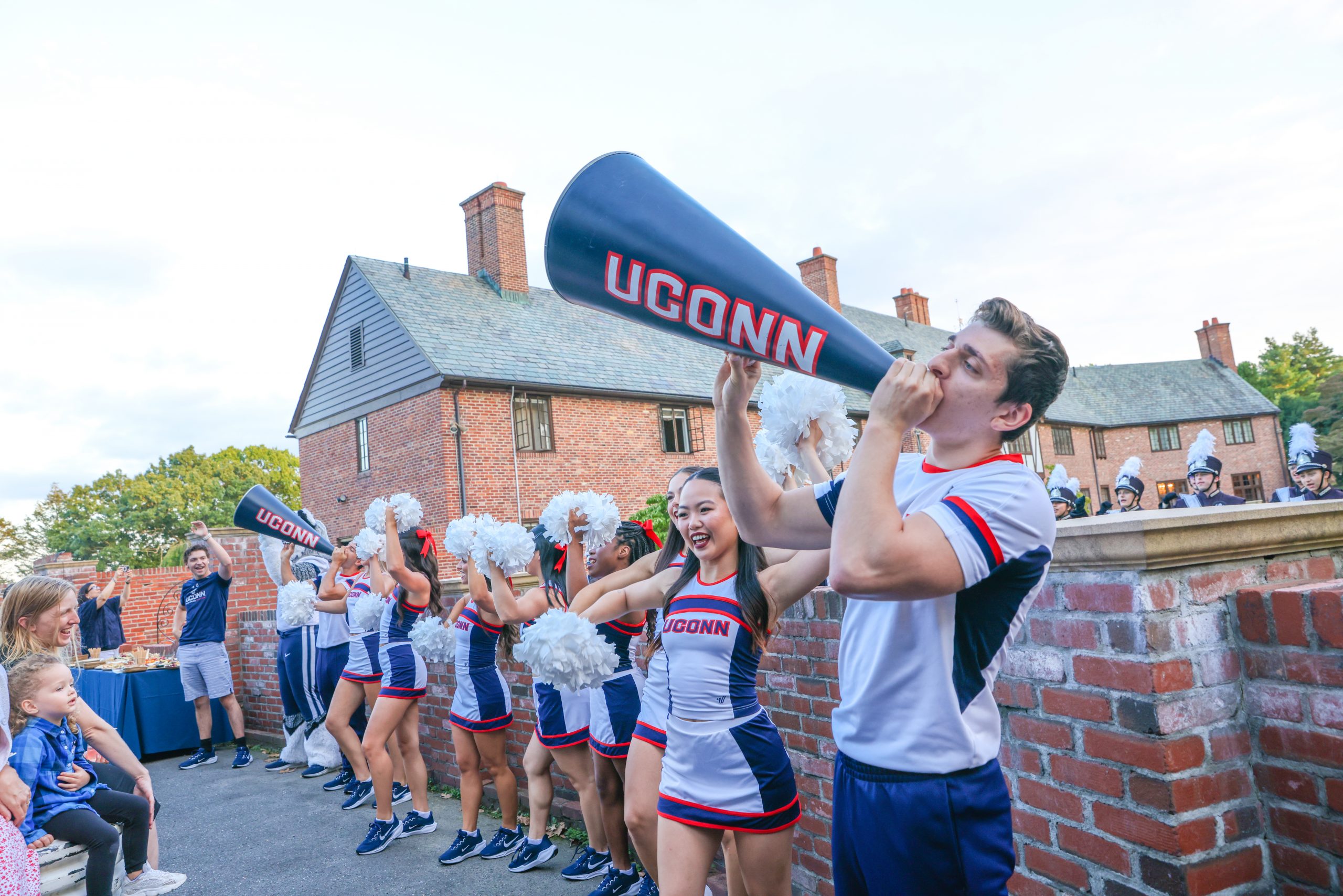


For more than 140 years, UConn has prepared students to lead the future. Since our founding, we’ve been an engine for innovation, a catalyst of change, and a launching point for meaningful careers in nearly every industry.
Our mission is unwavering, but the world is changing. With technological advancements, emerging environmental issues and pressing global challenges, UConn must be ready for what’s happening now and in the future. This means making significant and transformative investments in our institution, in our programs and in our people.
That’s why we’re embarking on our most ambitious campaign ever. And we’re counting on you and the entire Husky Nation to help us reach our goals.
Students First
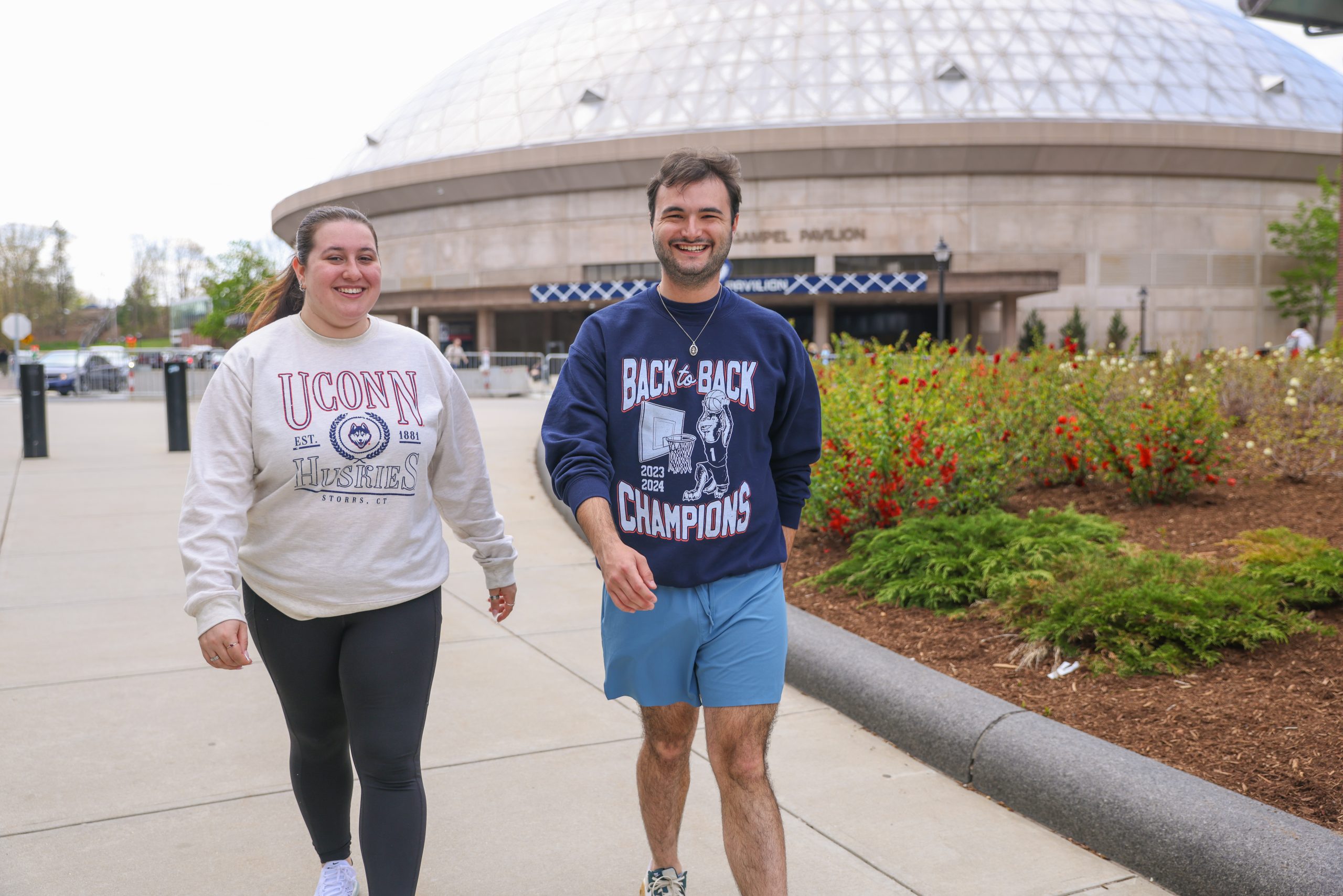
Each student has unique needs and goals. Our holistic approach to support ensures they succeed at UConn — and after. This often starts with providing life-changing scholarships that make a college education possible.

Academic & Innovation Excellence
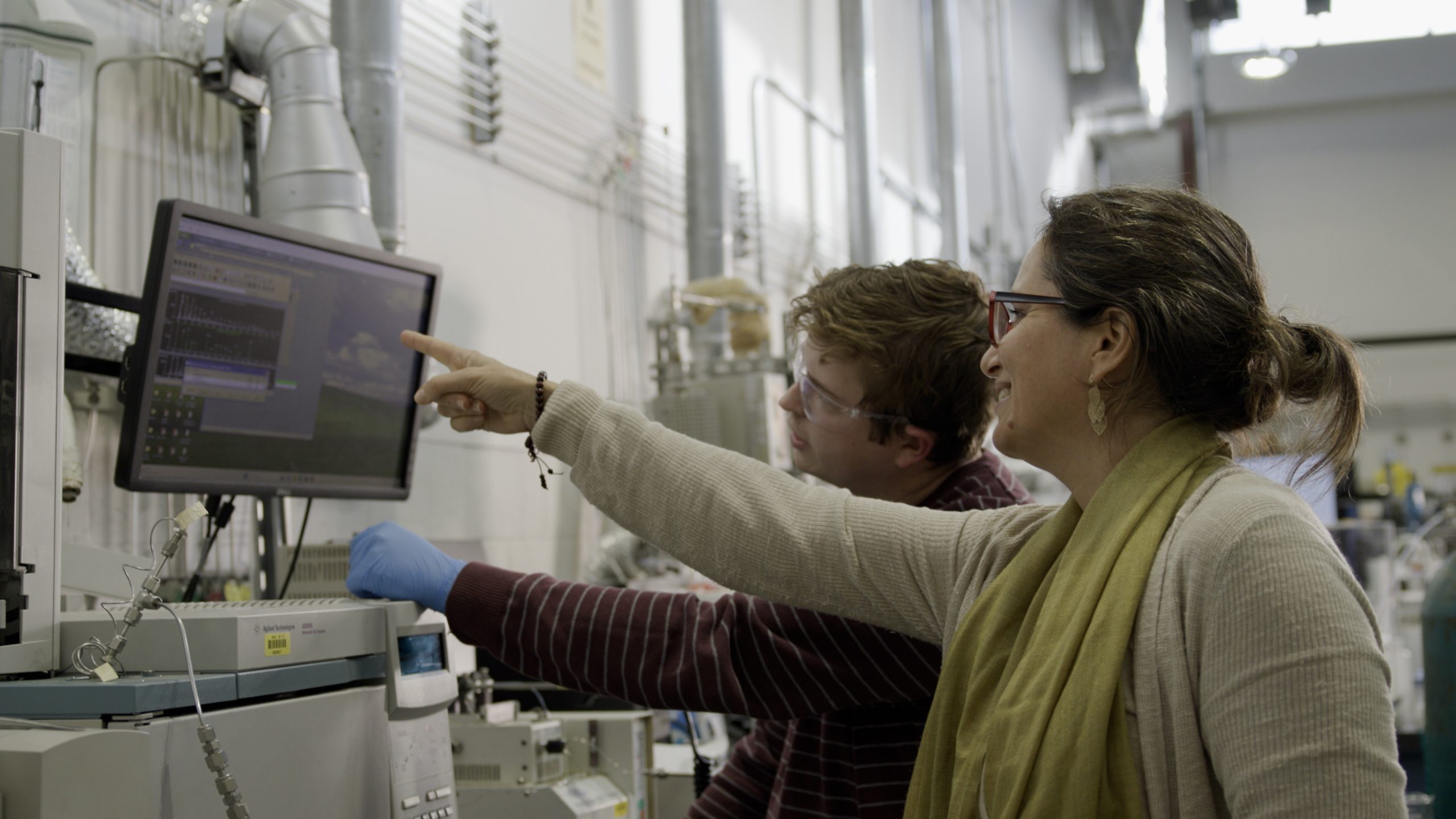
A world-class research institution, UConn must continue to invest in faculty, facilities, and infrastructure. Our academic offerings and outreach initiatives must keep up with evolving societal needs and workforce demands.
Health & Wellness of People & Planet
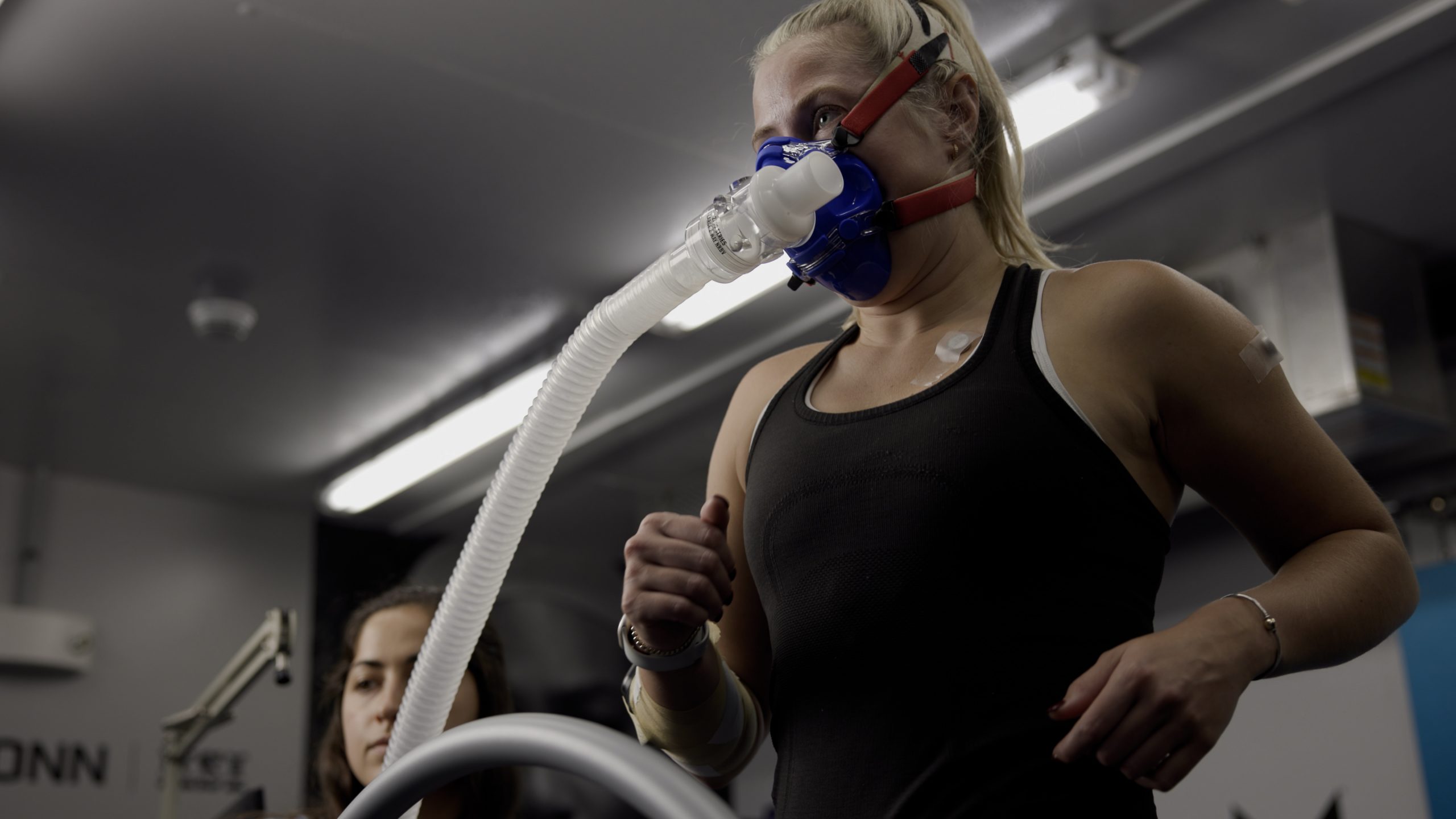
Our well-being is inextricably linked to the health of our planet. We’re helping people live their best lives. From our campus community to the patients we serve at UConn Health, to those who benefit from our research, UConn leads the way to a brighter future.

Husky Pride
Our shared experiences at UConn have created an undeniable bond between classmates, lasting relationships with mentors, and an enduring connection to a life-changing institution. This campaign will strengthen those ties.
-
UConn Launches Largest Campaign in University’s History
The $1.5 billion “Because of UConn” Campaign invests in the University’s core mission by putting students first and focusing…
-
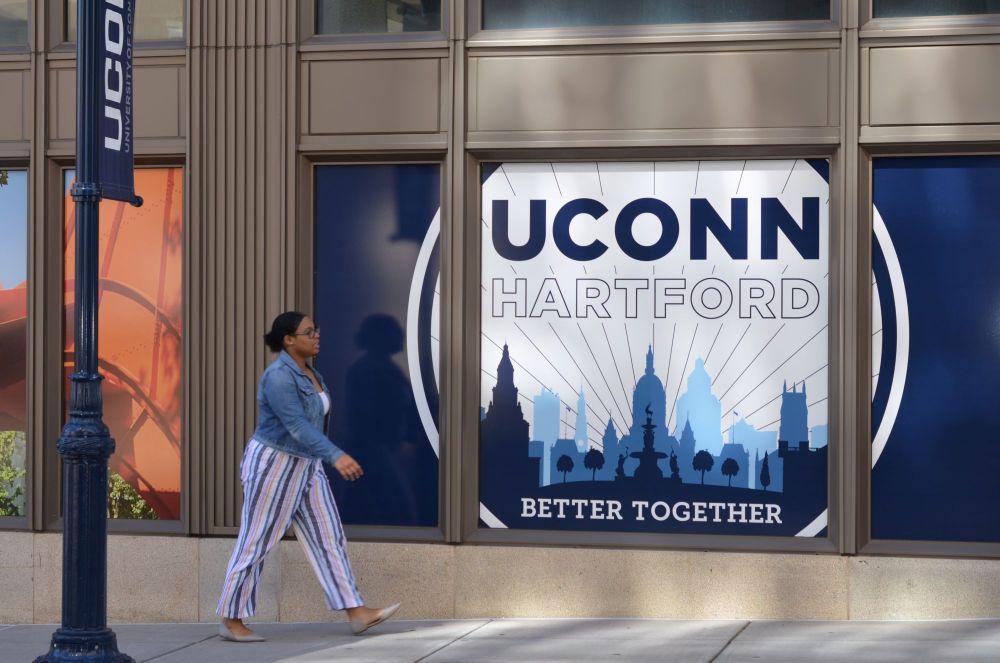
UConn Hartford receives $500,000 from The Hartford to support student housing scholarships
The UConn Foundation today announced it has received a $500,000 gift from The Hartford to provide housing scholarships for…
-

Gift Brings UConn’s Immersive Holocaust and Bias Awareness Program to High School Students
Students in some greater Hartford schools will get the chance to learn about reducing bias and antisemitism through a…
GET INVOLVED
Be part of UConn’s most historic campaign in history. Whether you make a gift, volunteer your time, or help spread the word, your support makes a difference. We can only succeed Because of You.